
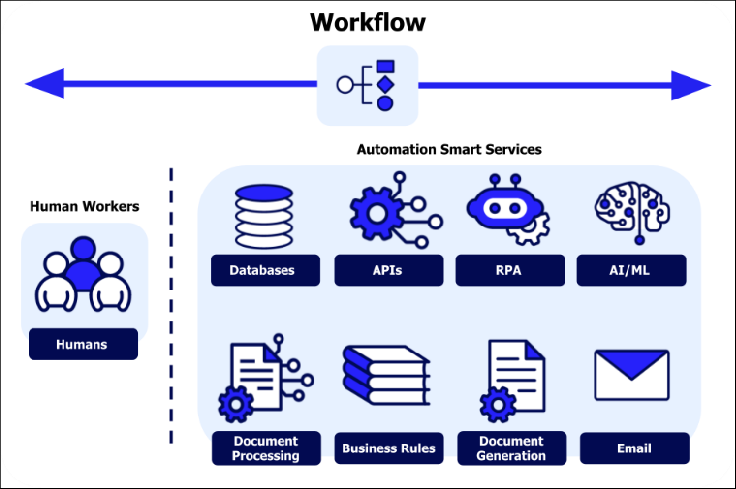
AI automate daily tasks by reducing repetitive work and improving productivity in 2025.
AI is no longer just a tool for experimentation or curiosity. In 2025, it has become a practical way to automate everyday tasks, reduce repetitive work, and free up time for higher-value activities.
This guide shows how to use AI to automate daily tasks, even if you’re not technical, and how to start small without overcomplicating your workflow.
What Does “Automating Daily Tasks” Really Mean?
Automation doesn’t mean replacing your entire workflow or building complex systems.
For most people, it simply means:
- Doing the same work in less time
- Reducing mental load
- Avoiding repetitive typing, searching, or formatting
AI works best when it assists with thinking, drafting, organizing, and summarizing — tasks you already do every day.
Daily Tasks That Are Ideal for AI Automation
Not every task should be automated. The best candidates are tasks that are:
- Repetitive
- Text-heavy
- Decision-based
- Time-consuming but low-risk
Examples include:
- Writing emails
- Planning tasks
- Summarizing information
- Creating drafts
- Organizing ideas
Using AI to Automate Writing and Communication
Writing is one of the fastest areas where AI delivers value.
You can use AI to:
- Draft emails and replies
- Rewrite messages more clearly or professionally
- Create outlines for documents
- Summarize long conversations or notes
Instead of starting from a blank page, you start from a draft — and that alone can save hours each week.
If you’re using ChatGPT regularly, prompts matter more than the tool itself. You can see practical examples in 10 ChatGPT Prompts That Save You Hours.
Automating Task Planning and Organization
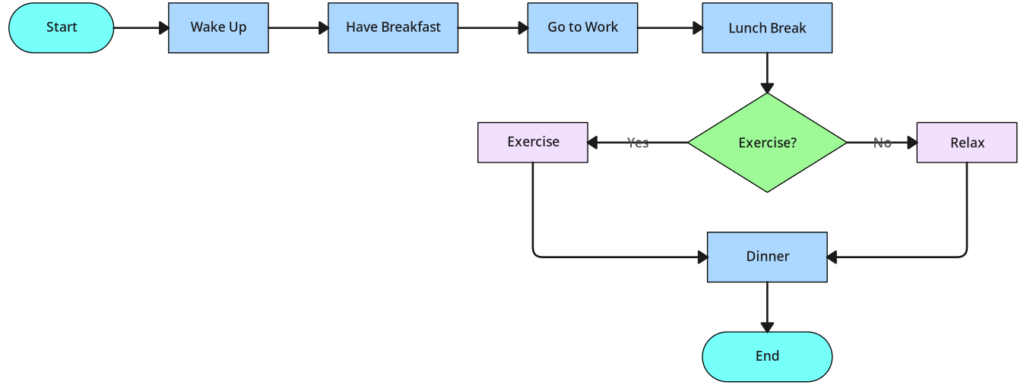
AI is especially useful for planning and structuring work.
You can ask AI to:
- Break large projects into steps
- Create daily or weekly task lists
- Prioritize tasks based on urgency
- Turn notes into action items
This works well for professionals managing multiple responsibilities, small business owners, and anyone feeling overwhelmed by scattered tasks.
You can learn more about how modern AI systems work on the official website of OpenAI.
For a broader overview of tools that support productivity, see Best AI Tools for Productivity.
Using AI for Research and Information Processing
Research is another area where AI shines.
AI can:
- Summarize articles or reports
- Compare options
- Extract key points
- Explain unfamiliar topics simply
Different AI models excel at different research tasks. For a detailed breakdown, see ChatGPT vs Gemini vs Claude.
Simple Examples of AI Automation You Can Start Today
- Ask AI to draft a response, then edit it yourself
- Paste meeting notes and ask for a summary
- Turn a rough idea into a structured outline
- Ask AI to rephrase something more clearly
You don’t need to automate everything. Even one or two tasks automated consistently can have a noticeable impact.
Common Mistakes When Automating with AI
- Trying to automate too many tasks at once
- Trusting AI output without reviewing it
- Copying responses blindly
- Expecting AI to understand context without guidance
How to Build an AI Automation Habit
- Identify one repetitive task
- Use AI for that task every day
- Refine your prompts over time
- Expand only when comfortable
Final Thoughts
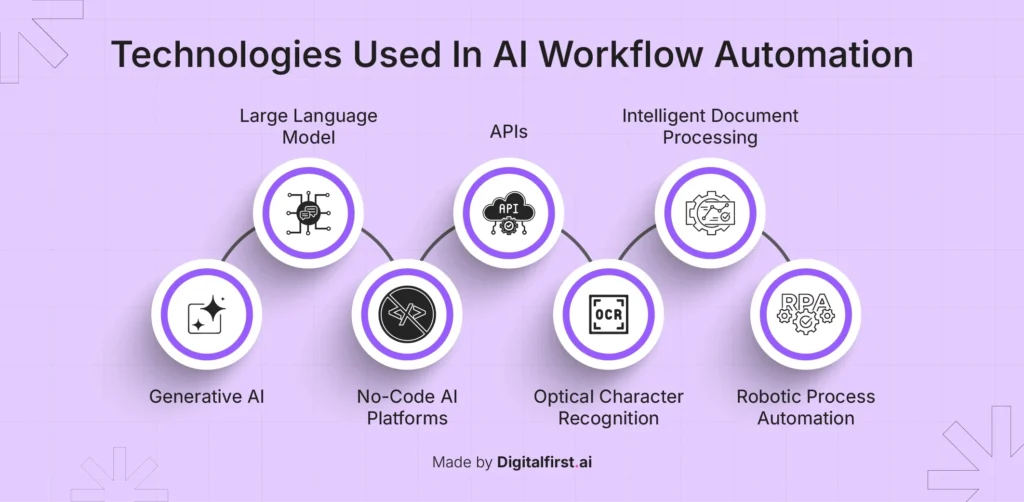
Using AI to automate daily tasks isn’t about working less — it’s about working smarter.
When used intentionally, AI can reduce friction, improve focus, and help you reclaim time without adding complexity to your workflow.
Related guides: